React Navigation Plugin
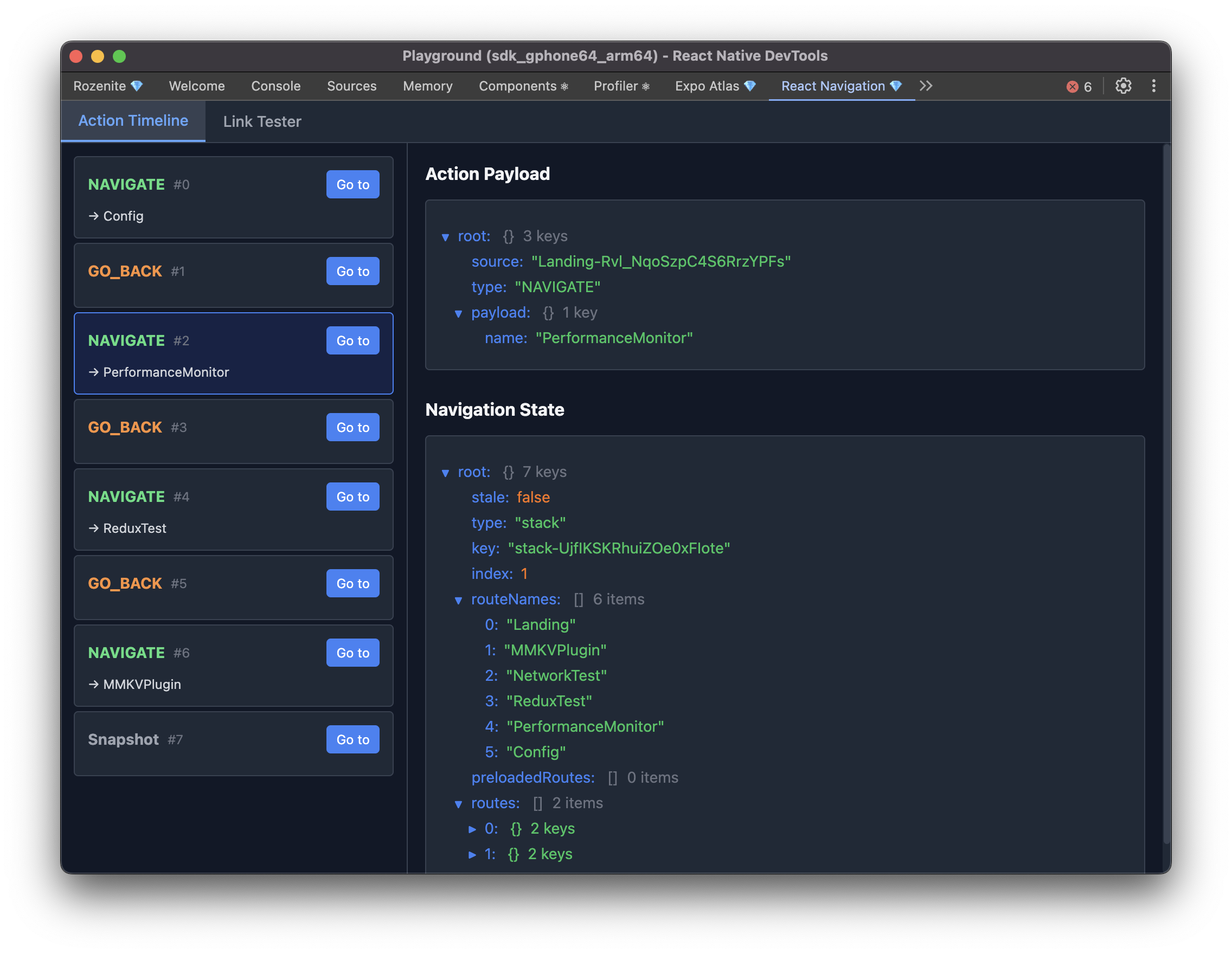
The React Navigation plugin brings navigation debugging to React Native DevTools for React Navigation v7: a live action timeline, navigation state at any point in time, and deep link testing.
Installation
Make sure to go through the Getting Started guide before installing the plugin.
With react-navigation
With expo-router
Web (React Native for Web)
With Rozenite for Web, this plugin is also available when debugging your React Native web app.
Usage
Once configured, "React Navigation" appears in your React Native DevTools sidebar with two main things:
- Action timeline — every navigation action, in order, with the ability to jump back to any previous state or reset to it.
- Dispatch origin — click any action to see where in your code it was dispatched from, including a code snippet and the full call stack. This only resolves in development builds; release builds show "symbolication unavailable" but keep the raw stack available.
Agent Integration
This plugin exposes agent tools under the @rozenite/react-navigation-plugin domain: navigate and go-back for routine navigation, plus lower-level tools (get-root-state, get-focused-route, list-actions, reset-root, open-link, dispatch-action) for anything navigate/go-back can't do.
Next: Learn about Plugin Development, or explore other Official Plugins.