Expo Atlas Plugin
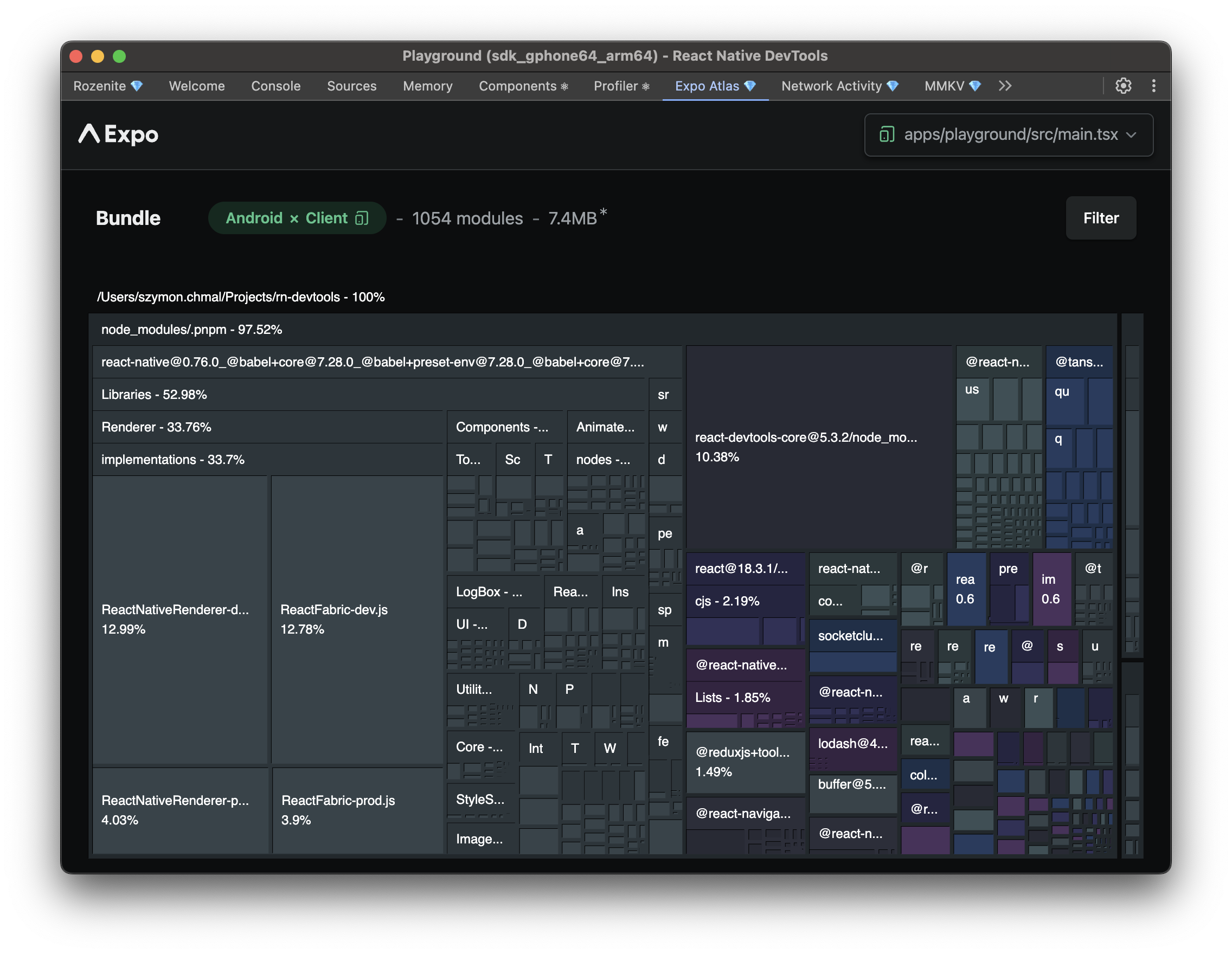
The Expo Atlas plugin brings Expo Atlas into React Native DevTools, so you can explore your Metro bundle, see what's taking up space, and trace dependencies without leaving DevTools.
Installation
Make sure to go through the Getting Started guide before installing the plugin.
Update your Metro configuration to enable the plugin:
metro.config.js
Usage
Once configured, "Expo Atlas" appears in your React Native DevTools sidebar. From there you can:
- See total bundle size broken down by module and file type
- Inspect an individual module's size, source, and dependency chain
- Spot large dependencies, duplicated code, and unused code
- Analyze your development bundle live, or export and analyze a production bundle
Next: Explore other Official Plugins, or learn to build your own in the Plugin Development guide.