React Hook Form Plugin
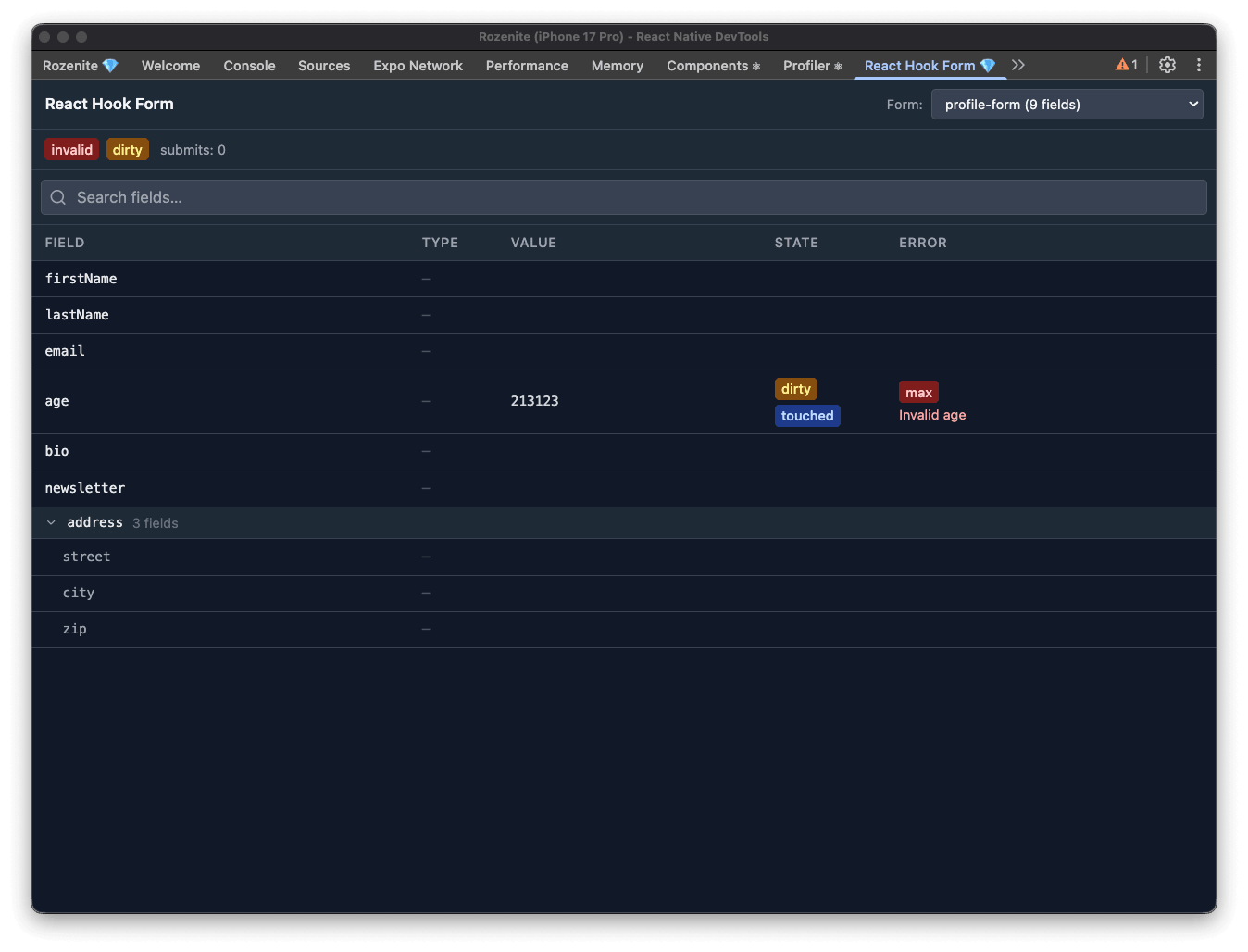
The React Hook Form plugin lets you inspect your forms in real time from React Native DevTools. For every mounted form you can see field values, validation errors, dirty and touched states, native input types, and overall form status — without adding any logging or breakpoints.
Installation
Make sure to go through the Getting Started guide before installing the plugin.
Setup
Call useRozeniteRHFPlugin inside any component that has access to a react-hook-form control object:
That's all. The panel appears automatically in React Native DevTools under React Hook Form.
Multiple Forms
Each useRozeniteRHFPlugin call registers an independent entry in the panel. By default the panel uses React's internal ID to label each form. Pass an explicit id to make the label readable:
When a form unmounts it stays visible in the panel marked as disconnected, so you can still inspect its last snapshot.
What the Panel Shows
The header bar shows global form status: valid, invalid, dirty, submitting, submitted, submitSuccessful, validating, and the submit count.
Use the search box to filter fields by name.
Peer Dependencies
This plugin requires react-hook-form v7: